Adding user to a database in cPanel
To add a MySQL user to a database:
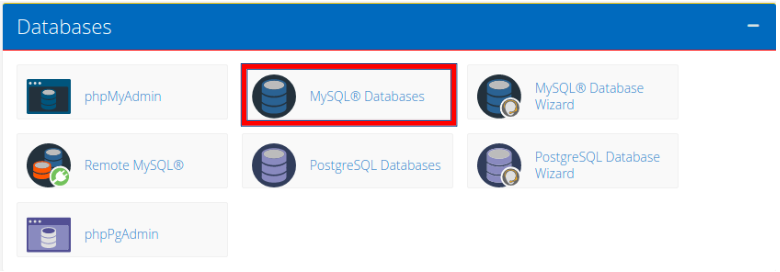
- 1. Click MySQL Databases under Databases in cPanel.
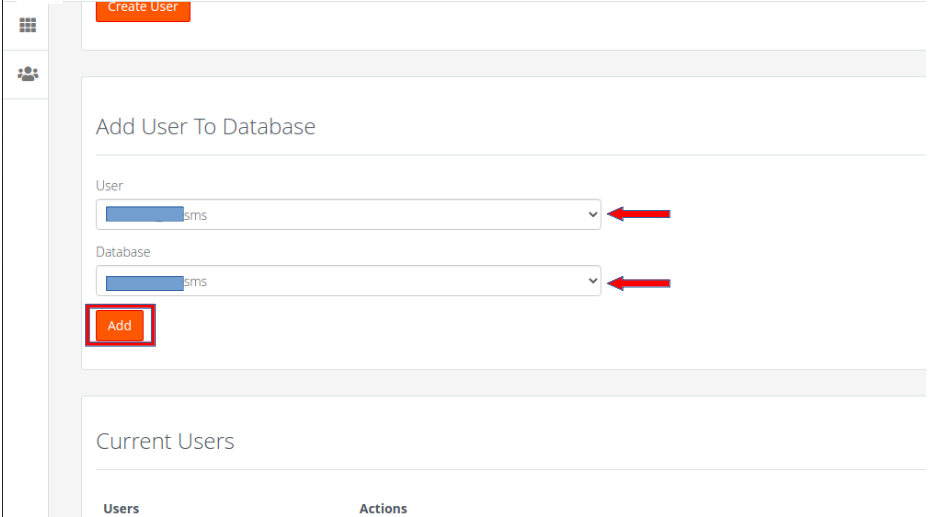
- 2. Under Add User to Database, select the user that you want to add from the User drop-down menu. In the Database drop-down menu, select the database and then click Add
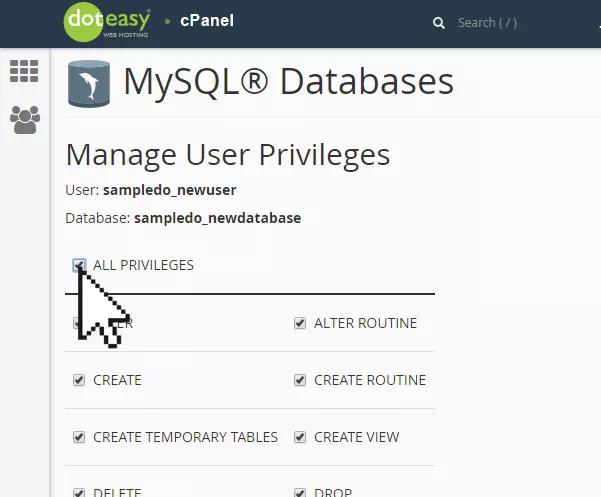
- 3. Select the privileges you want to grant the user, or click ALL PRIVILEGES to grant the user all permissions to the database.
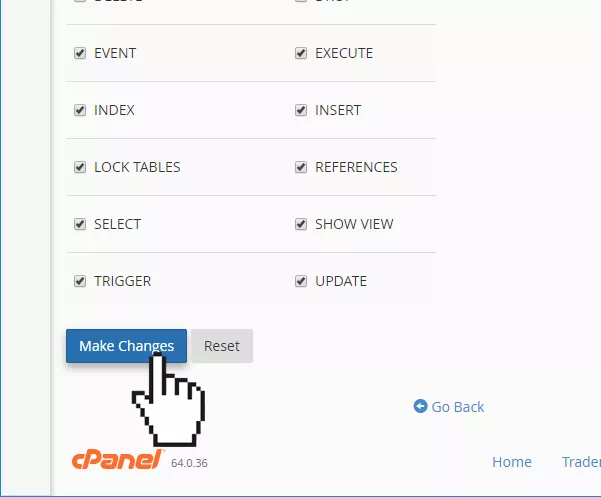
- 5. When ready, click Make Changes.
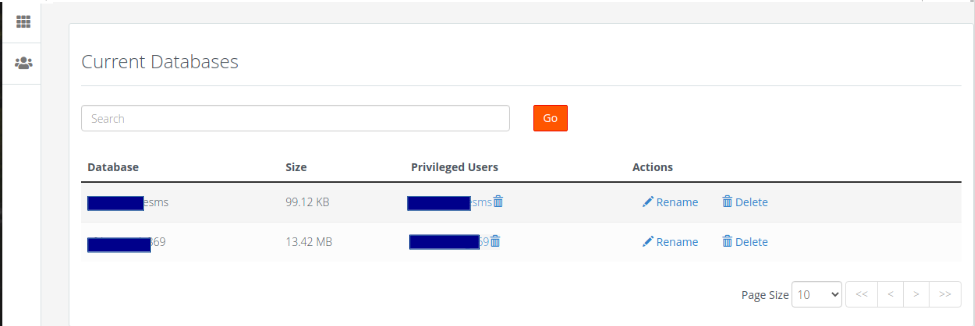
- That’s it! You can now see the user assigned to the database in the Current Databases table.
-
-
-
Artigos Relacionados
cPanel logs for access, Apache, email, error, ftp, mysql, and WHM
cPanel logs for access, Apache, email, error, ftp, mysql, and WHM
cPanel logs most activity that...
Powered by WHMCompleteSolution